

This account will serve as the central hub for issuing digital credentials, creating verification templates for identity verification and authentication, and managing users and credentials within your institution.
This section walks you through how to complete this.
You will need to know information about your organisation, key contact, and billing details.
Create a Gataca Studio Account
If your institution has a custom subscription and we have created an account for you:
- Download the Gataca Wallet on your phone.
- Log in using the email address associated with your institution that was provided to Gataca for creating the account.
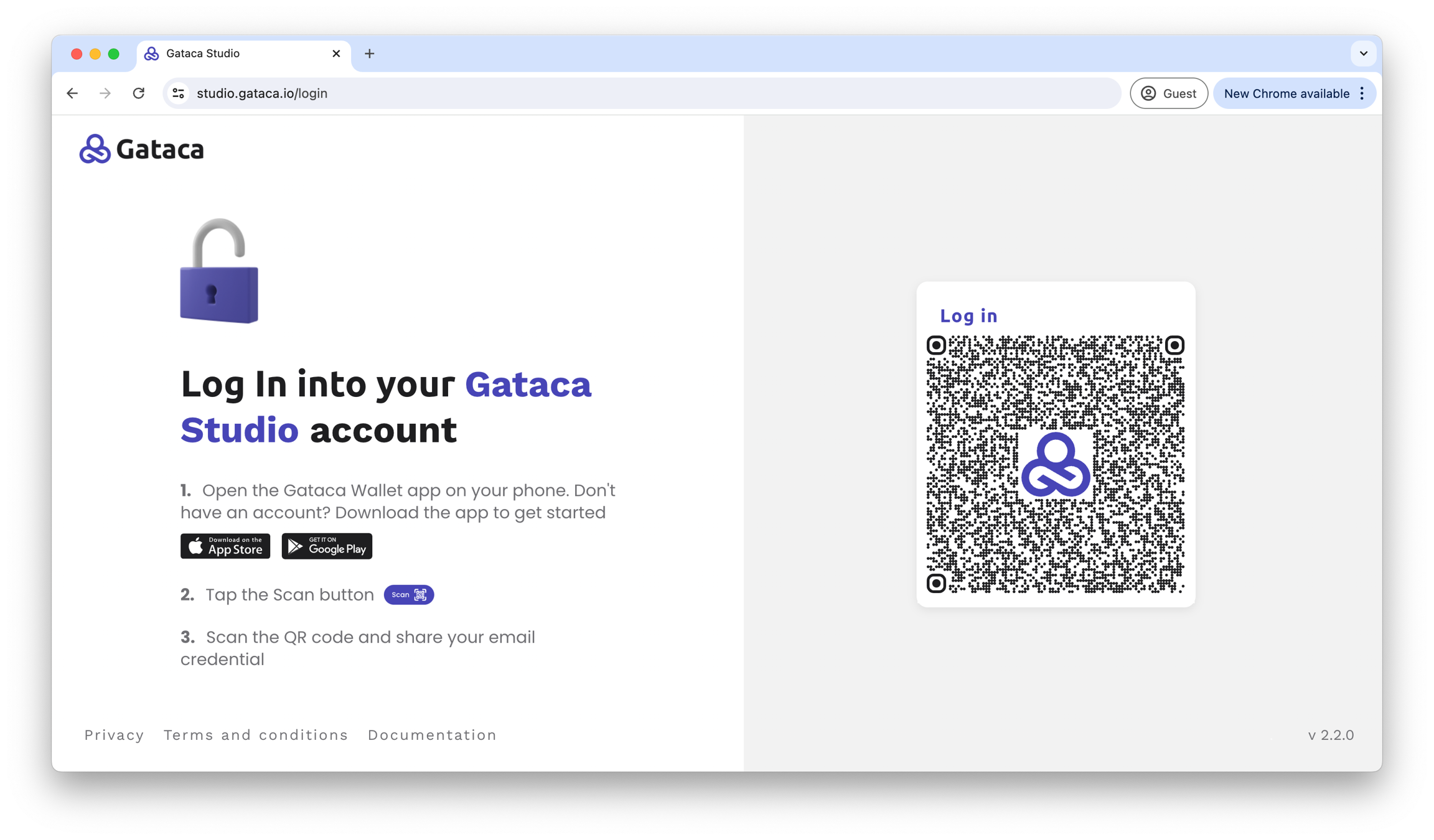
- Download the Gataca Wallet (if you have not already): Available in both the iOS and Android app stores.
- Open the Gataca Wallet on your phone and scan the QR code by tapping the scan button in the Gataca Wallet.
- Create your account:
- You will need to share your email address, which will be linked to this account.
- If you are representing an institution, please use your work email.
- Select your subscription and fill in your organization and billing details.
- Need a custom subscription? Just request it. We will create your account once we have reviewed and confirmed your organization and billing details.