

Gataca Vouch is a product within Gataca Studio that provides secure user authentication via delegated Single Sign-On (SSO) using standard OpenID Connect (OIDC) protocols.
Clients can define authentication scopes, and users provide information through ID Wallets and verifiable credentials. Standard scopes include email-based SSO and age verification.
Unlike other federated identity systems (Google, Facebook, X, LinkedIn), Vouch does not store user information. Users control, manage, and store their own identity data.
Gataca Vouch for Age Verification
Gataca Vouch offers an age verification solution that confirms a user’s legal age without revealing personal information. It is suitable for sites with age restrictions, such as adult platforms, dating services, online games, social networks, and e-commerce.
Two age assurance methods are available:
- Age Verification with Gataca App (ID Wallet): Users verify their age once in the Gataca App and receive a reusable +18/21 credential for instant access to any site supporting ID Wallets. No repetitive checks required.
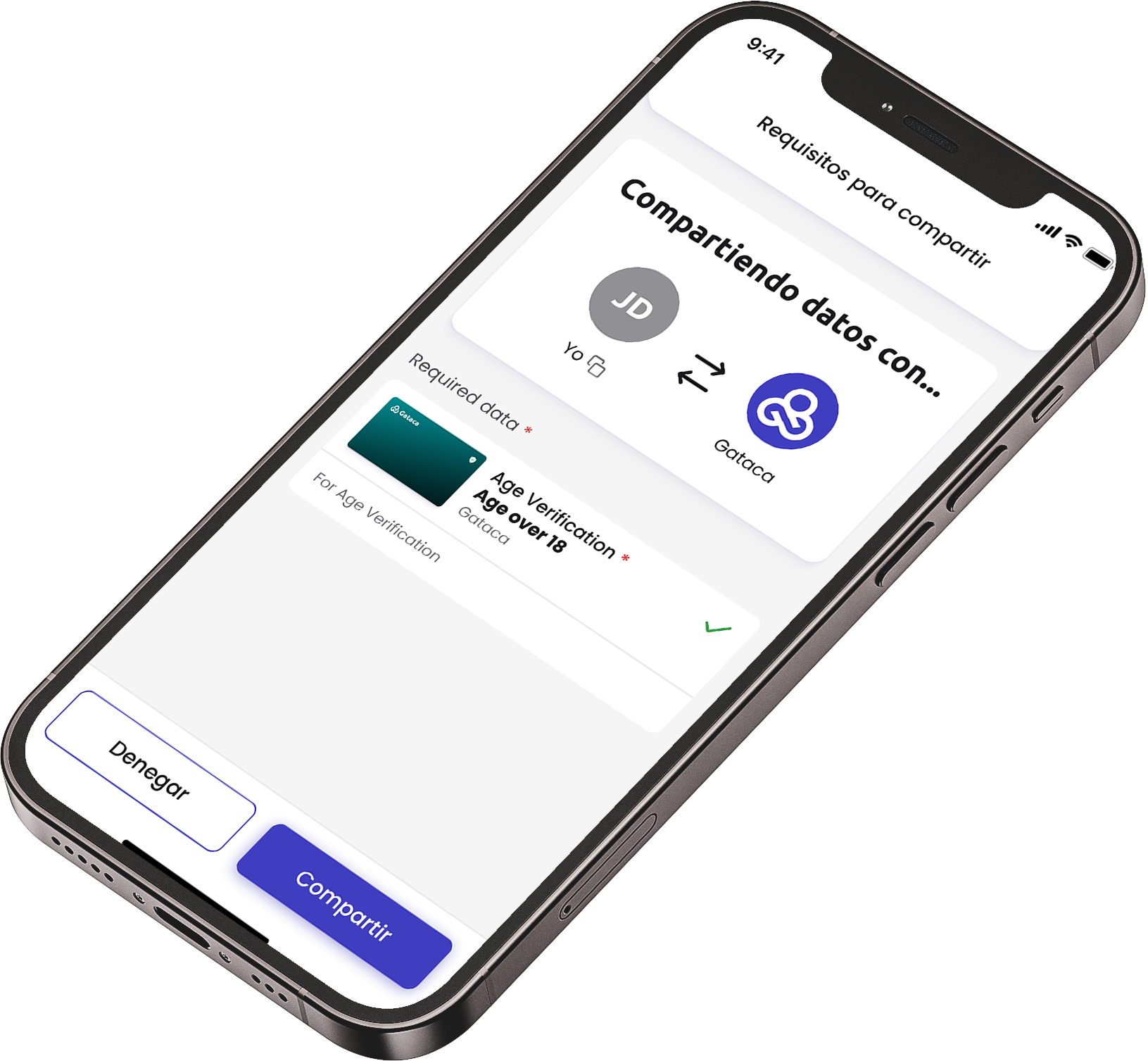
-
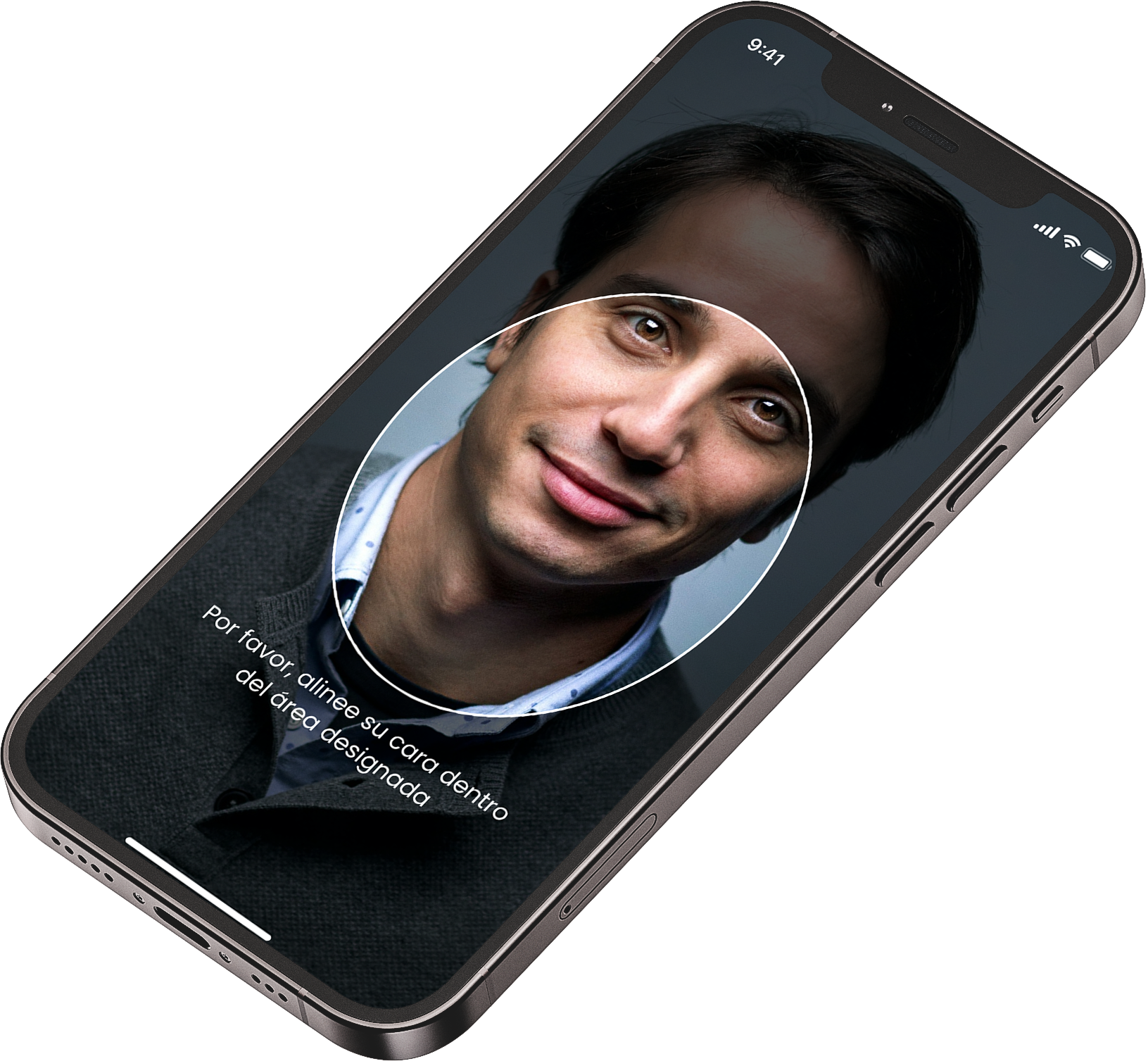
Facial Age Estimation (FAE)
Users take a selfie on their phone. In seconds, our AI estimates their age and detects liveness (anti-spoofing), blocking masks, 2D images, or bots. No images stored or IDs required. Unlike the wallet-based approach, this process must be repeated each time the user accesses the site.
Passkeys Integration
In addition, Vouch can store age verification results using device-bound passkeys. Once a user completes a check (via ID Wallet or FAE), the result can be saved to their device.
Users can then re-access the service instantly using their device’s fingerprint, face scan, or PIN. Verification results remain valid for up to two weeks.